.png)
View of the workspace categories in PortalTalk
In the category list view you can verify and manage the technical details of the categories.
All category configuration actions are performed from this list.
Access the workspace category list
-
Access the PortalTalk Admin Center.
-
Select the Configuration - Categories navigation option.
The Workspace Category list is displayed:
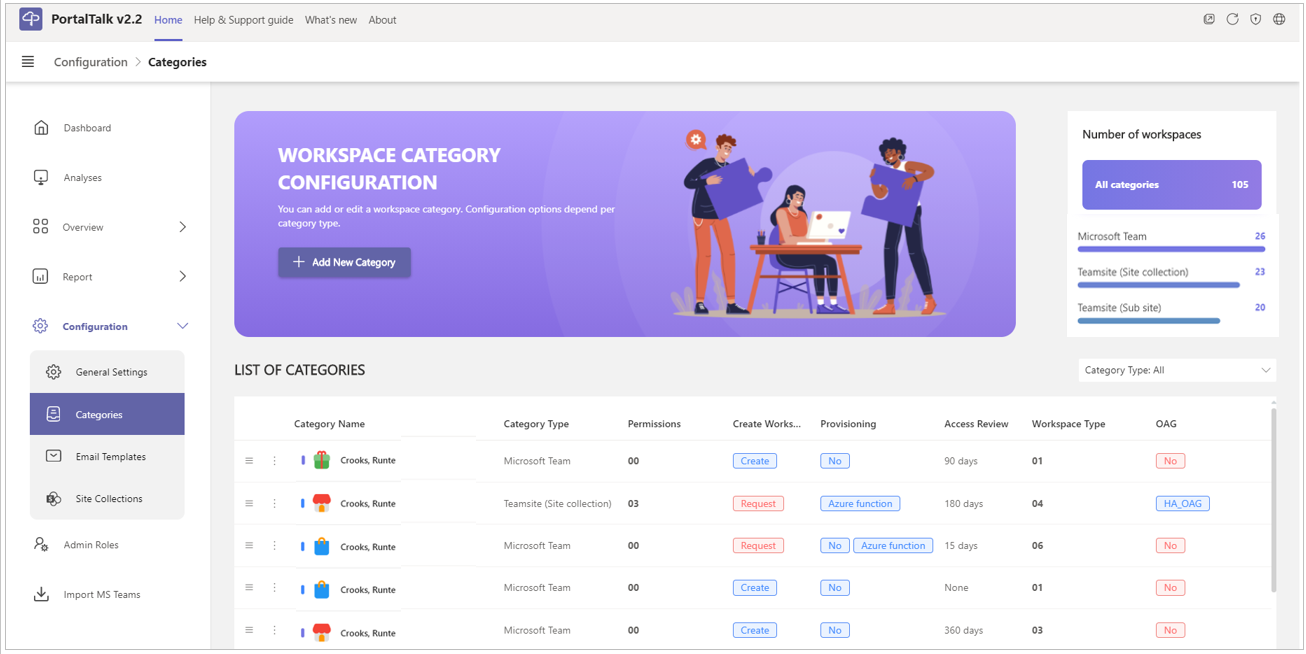
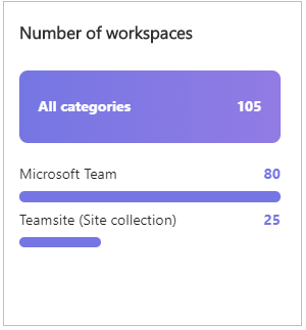
Number of workspaces
The box in the top right corner of the page indicates the number of workspaces registered within each of the three category types - Microsoft Team, Teasmsite (Site collection) and Teamsite (Subsite).
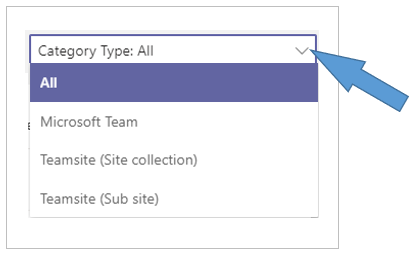
Filter the category list
-
Category type - Indicate on which of the three category types you wish to filter the category list.
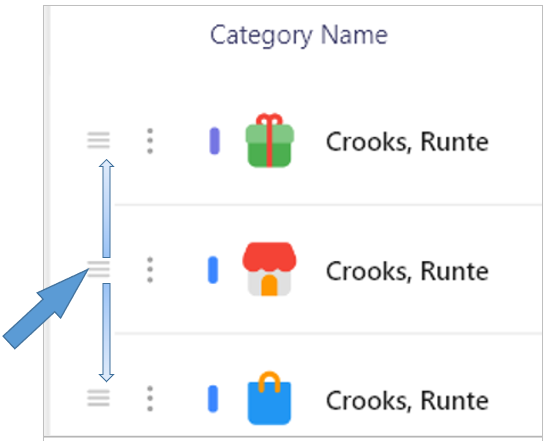
Category position in the user interface navigation panel
For each category a navigation option is presented in the navigation panel of the Portaltalk user interface.
The order of the categories within the Admin Center's category list is reflected in the positioning of the category menu options within the user interface navigation panel.
-
Click the drag handle icon of a category to drag and drop the category to the desired position in the categories list.