.png)
Edit a workspace category
-
Access the PortalTalk Admin Center.
-
Select the Configuration - Categories navigation option to access the Workspace Category list.
-
Find the workspace category of type need to edit or remove.
-
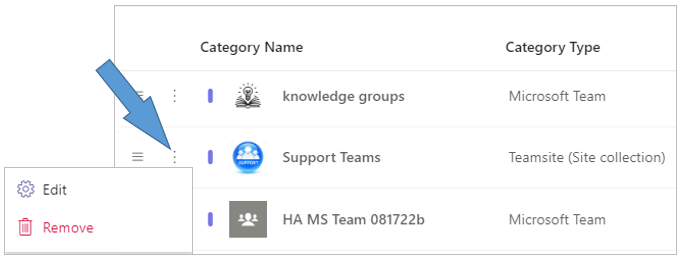
Click the category’s ellipsis menu button and select the Edit option to open the Edit Category - Category Information form.
-
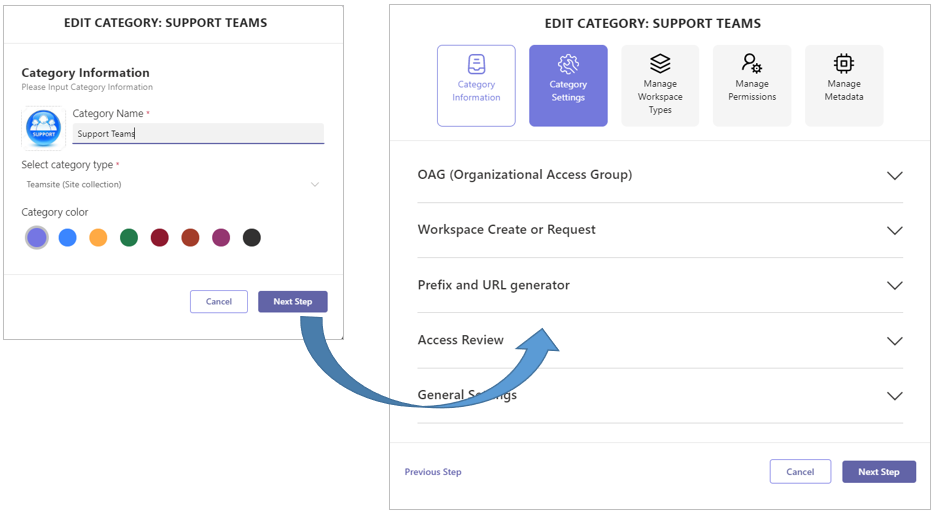
Make any desired changes in the Category Information form.
-
Click the Next Step option in the lower right corner of the Category Information form to save your changes and to launch the Category Settings form.
-
Make any desired changes in the Category Settings form, or click any of the tabs for the other category configuration forms.
-
Save your changes on any category configuration form by clicking the Next Step or Finish option in the form’s lower right corner.
-
If necessary, consult the pages on workspace category configuration for a detailed explanation of the various category configuration aspects.
Remove a workspace category
A workspace category can be deleted when it is empty, i.e. when no workspaces are present.
-
Access the PortalTalk Admin Center.
-
Select the Configuration - Categories navigation option to access the Workspace Category list.
-
Find the workspace category of type need to edit or remove.
-
Click the category’s ellipsis menu button and select the Remove option.
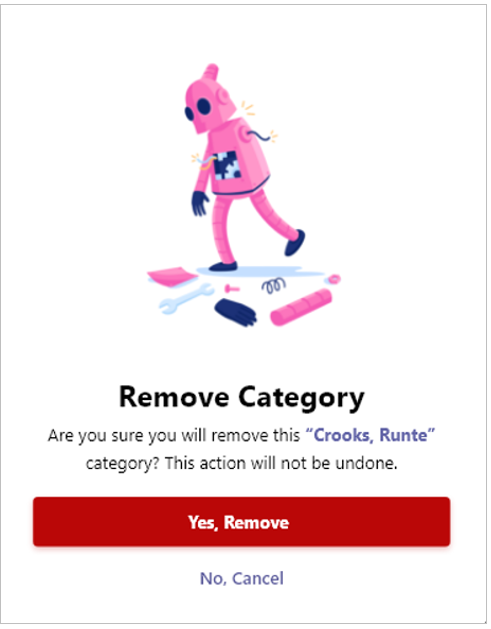
The Remove Category prompt is displayed:
-
Confirm your action.
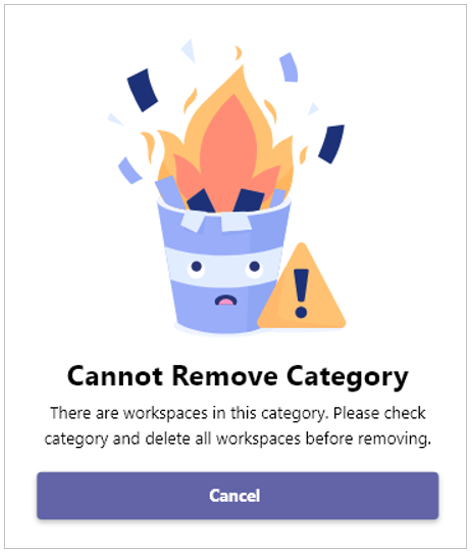
If, however, workspaces are present in the category, the category cannot be removed: