.png)
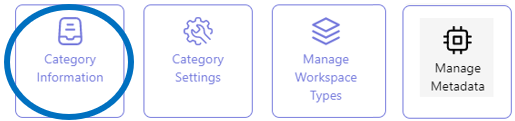
Category Information - The basic characteristics of an MS Team Workspace Category
All category configuration actions are performed from the category list view in the Admin Center.
In this category list view, you can configure the workspace categories relevant to your organization.
In the first step of the category configuration process, the basic characteristics for a workspace category are configured, such as the Category Name and Category Type.
Beware: Make sure to select the category type MS Teams. The category type selection in this first configuration step triggers a pre-specification as to which configuration actions are to be taken in the subsequent configuration steps.
Add a new MS Team workspace category - The Category Information
-
Access the PortalTalk Admin Center.
-
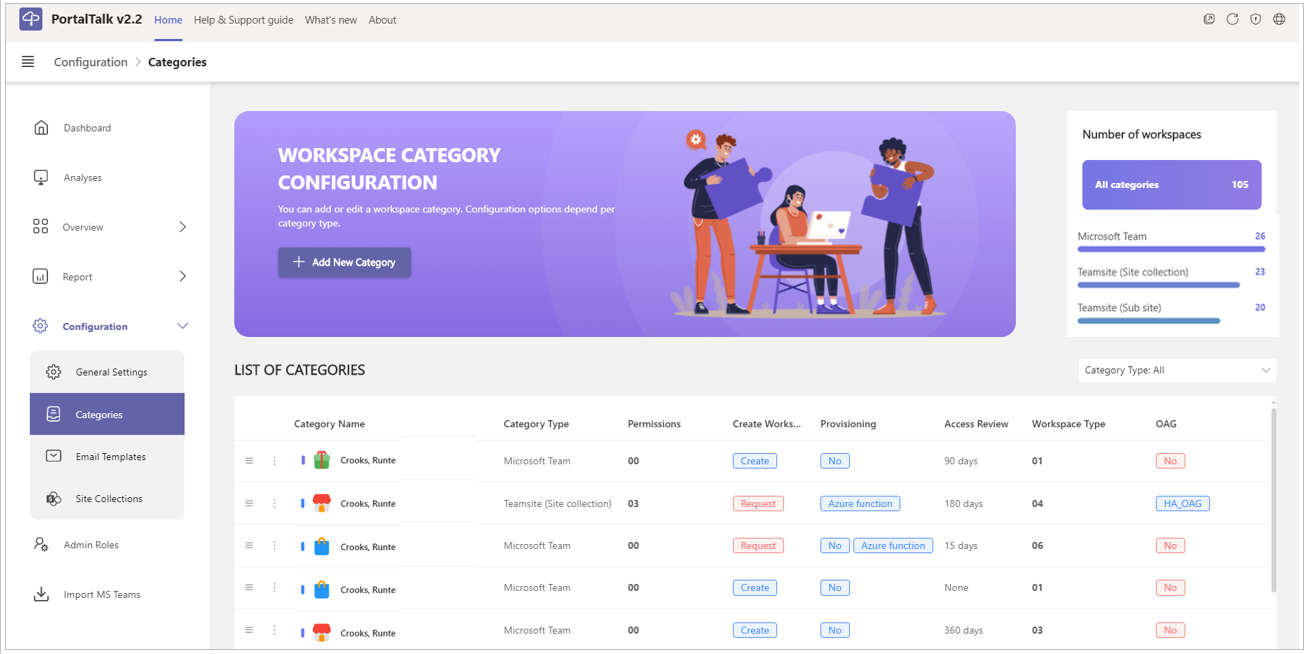
Select the Configuration - Categories navigation option to access the category list.
The Workspace Category list is displayed:
-
In the header of the page, click the option + Add New Category.
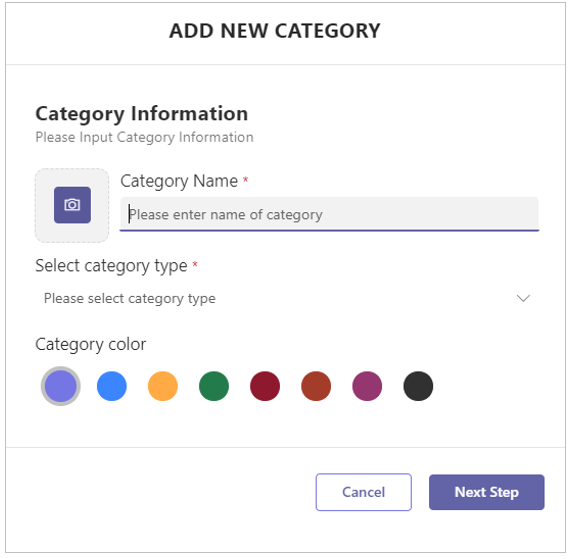
The Add New Category form is displayed:
-
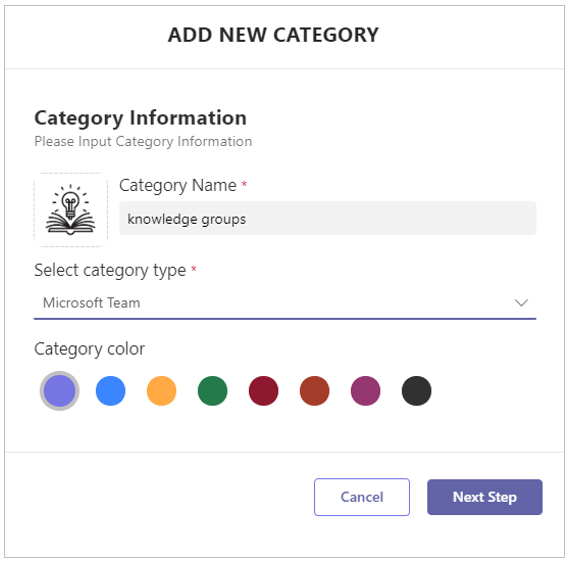
Category Name - Enter the name for the new MS Team workspace category.
-
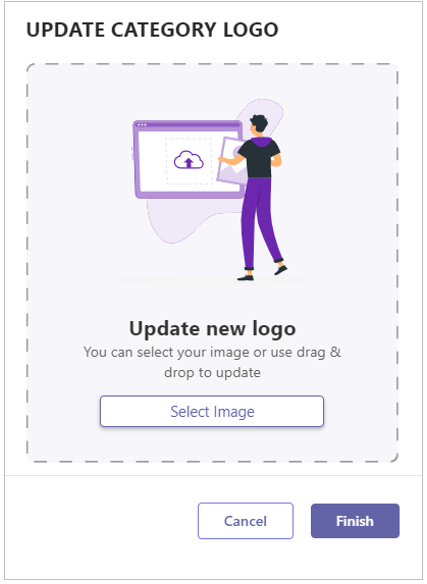
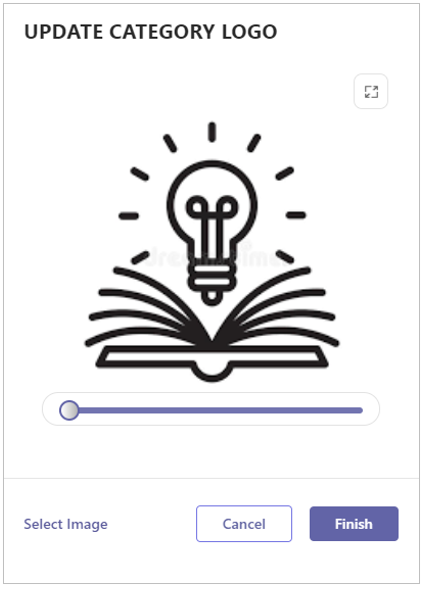
Logo Upload - Click the camera-icon to navigate to and upload an image to be applied as standard logo for the workspaces to be created within the category.
-
Alternatively, drag/drop an image to the indicated area.
-
Logo image crop - If so required, adjust the image's size.
-
Click Finish to close the logo upload pane.
-
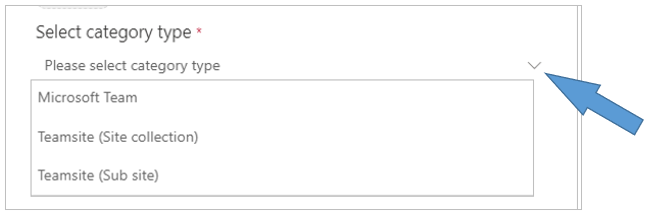
Select the Category Type - Select Microsoft Team.
-
Category color - For the time being, this setting is not relevant.
At a later stage of the software development, the colors assigned to categories will be reflected in dashboard charts. -
Click Next Step to start the configuration of the Category Settings.
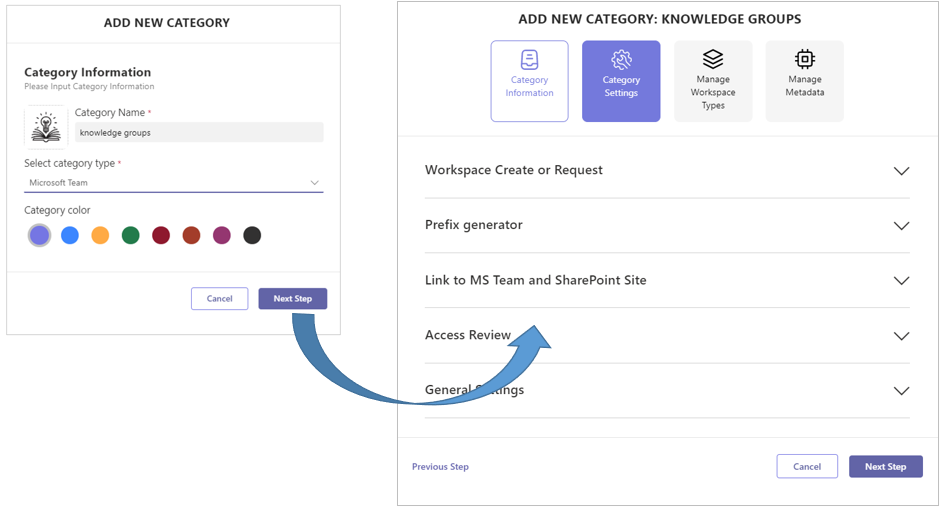
Continue the second step of the configuration process with the instruction Category Settings for the MS Team workspace category.