.png)
Use the Admin Center reports
The PortalTalk admin reports can be filtered and sorted on the various display dimensions, and you can save the resulting overview.
You can also search for specific items within a report.
You can export the reports to MS Excel for further analysis, editing or sharing.
-
Access the PortalTalk Admin Center.
-
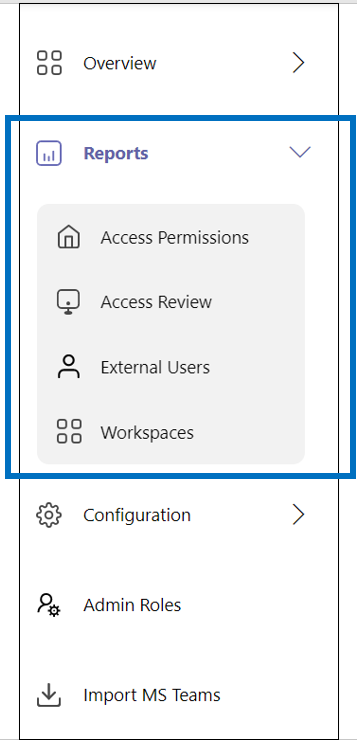
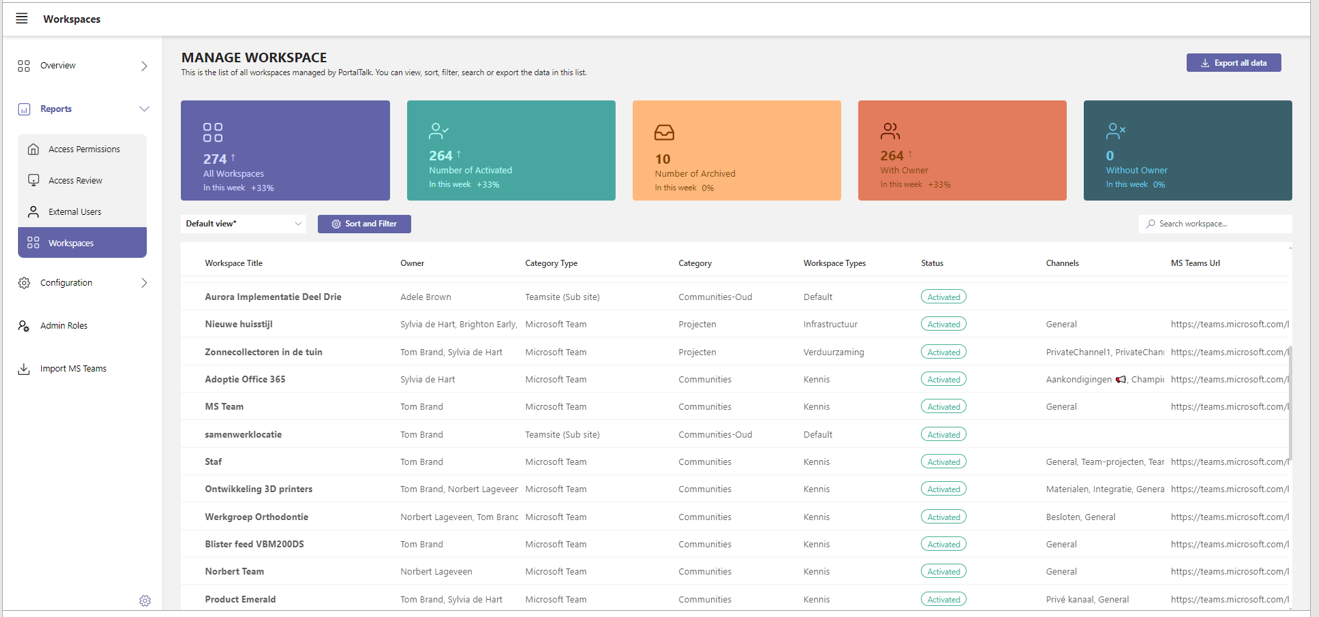
Under Reports, click the relevant report to access same.
For example, the Workspaces report:
Search within the report
-
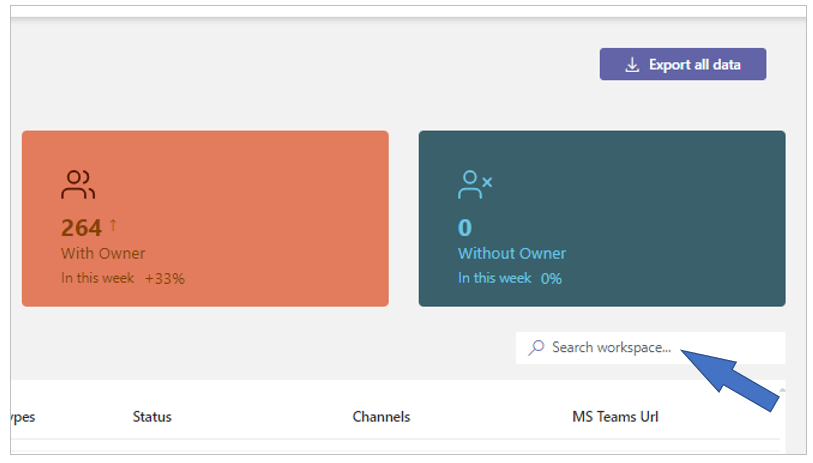
Enter your search term in the search box at the top of the report and press the Enter key.
Create reports for specific purposes
-
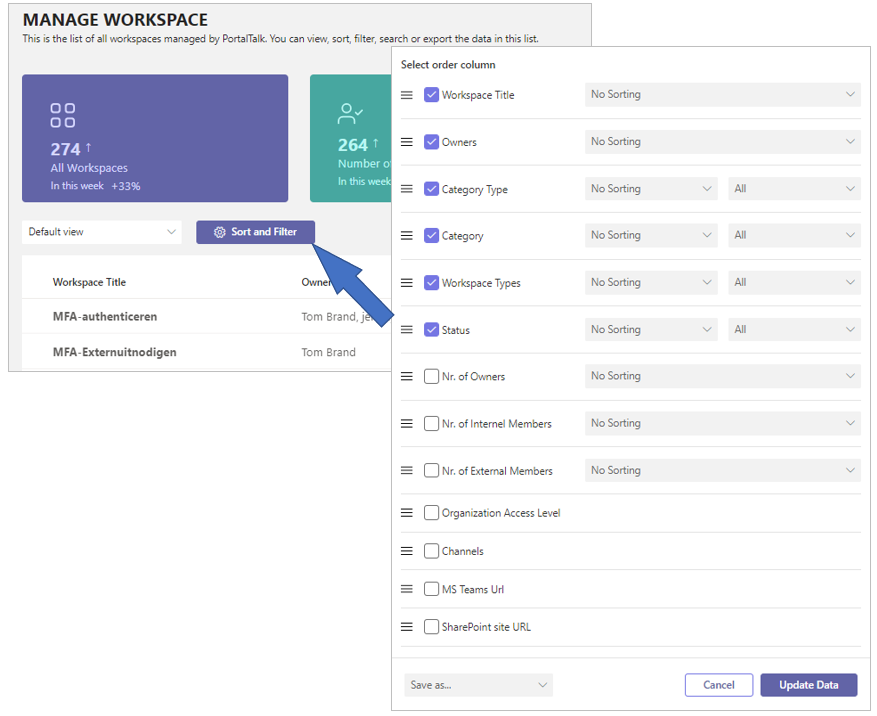
Click the Sort and Filter option to access the panel with the tools to modify the report output to your required specifications.
-
Check the columns you wish to have displayed.
-
Drag individual columns by their drag-handle to adjust the column’s position.
-
Click the Update Data option to apply your settings.
-
Click the Save as… option to save your chosen settings in a named report.
Export report to Excel
-
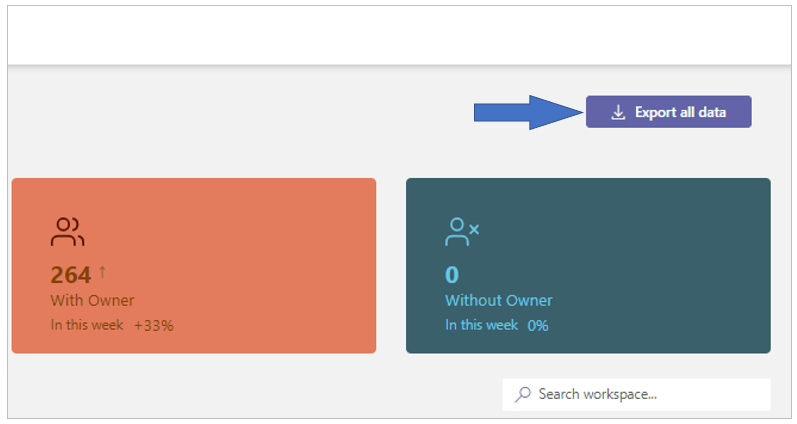
Click the Export All Data option to execute said action.
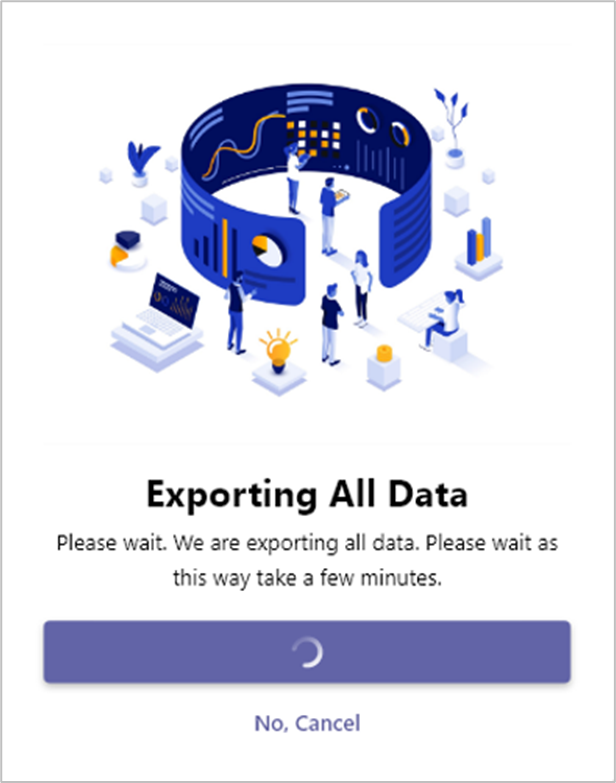
After the exporting process has completed, you will find the resulting Excel file within your local downloads folder.