.png)
Setting the External User Analytics
-
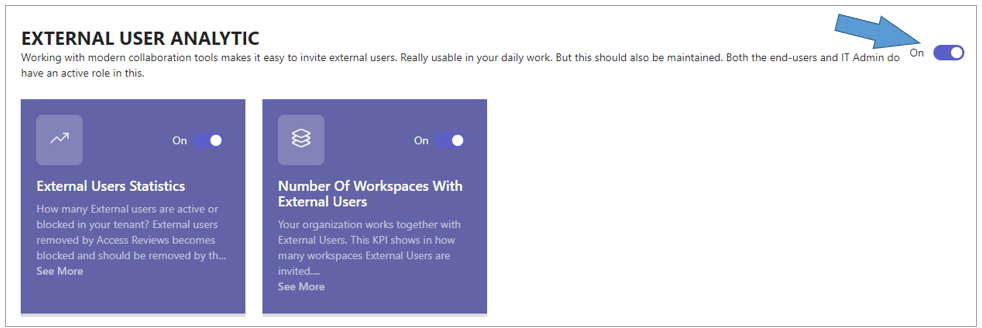
Switch on the setting External User Analytics.
-
The configuration settings for the different External User Analytics KPIs become available as rectangular boards, one board per KPI.
After the External User Analytics setting has been activated, the following External User KPIs can be activated and configured.
External User Statistics
This metric will provide insight into the current population of active and inactive external users.
For an explanation of the user experience of this KPI board, you can consult the concerned paragraph in this manual.
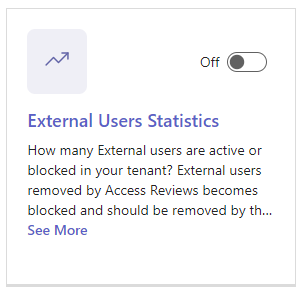
How many external users are currently active or blocked in your tenant? External accounts associated to workspace members which have been removed by Access Review become blocked, and these accounts should be removed by the Entra ID User Administrator.
-
Switch on the KPI to initiate the data sourcing and activate the reporting process for this specific metric.
Number of Workspaces with External Users
This KPI tracks the number of workspaces where External Users are actively invited to collaborate, reflecting the level of integration with external stakeholders within our organization.
For an explanation of the user experience of this KPI board, you can consult the concerned paragraph in this manual.

-
Switch on the KPI to initiate the data sourcing and activate the reporting process for this specific metric.