.png)
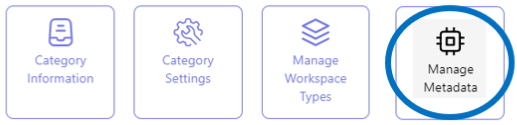
Enable differentiation of the Teamsite (Subsite) category's workspaces through metadata
The collection of workspaces within an Teamsite (Subsite) workspace category can be differentiated on the basis of distinctive metadata.
This allows for differential reporting on the workspaces.
All category configuration actions are performed from the category list view in the Admin Center.
In the final step of the Teamsite (Subsite) category configuration process, the category’s metadata can be configured.
If necessary, refer to the page on the PortalTalk workspace categories configuration steps for an explanation of the entire process.
Access the Manage Metadata form
-
Access the PortalTalk Admin Center.
-
Select the Configuration - Categories navigation option to access the Workspace Category list.
-
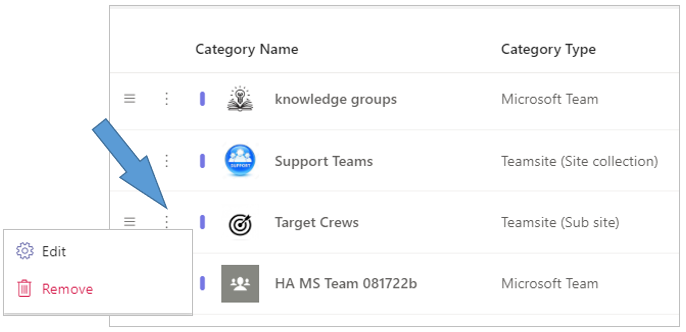
Find the workspace category of type Teamsite (Subsite) for which you need to configure metadata.
-
Click the category’s ellipsis menu button and select the Edit option to open the Edit Category form.
-
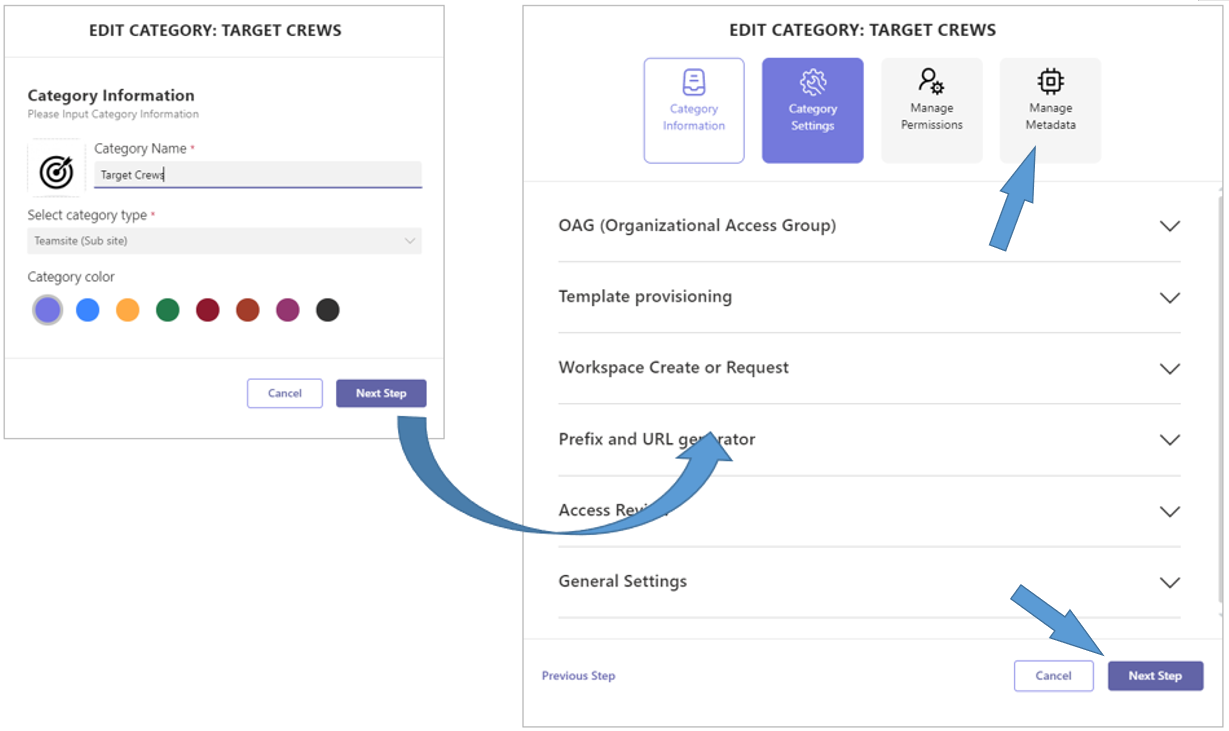
Click the Next Step option to obtain the tabs for the subsequent configuration steps.
-
Click the Manage Metadata tab to open the related form.
-
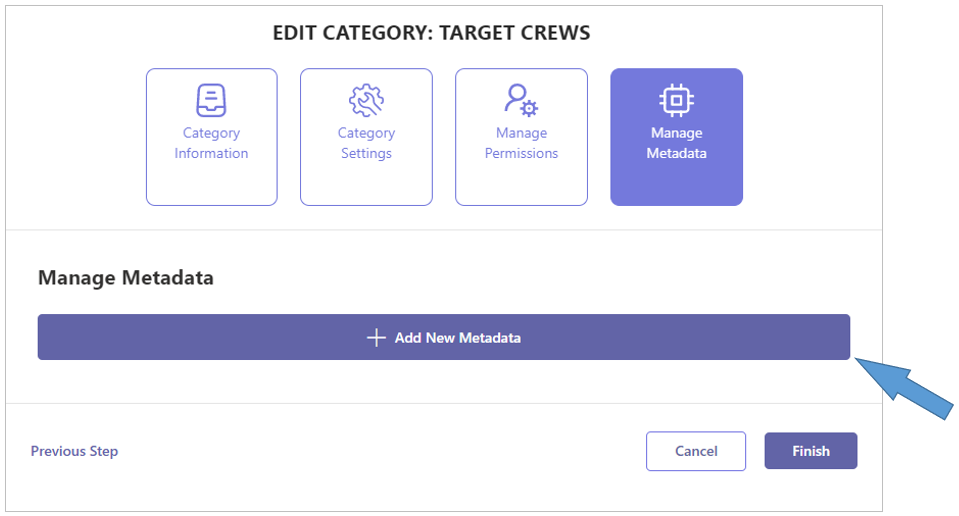
Click + Add New Workspace Metadata.
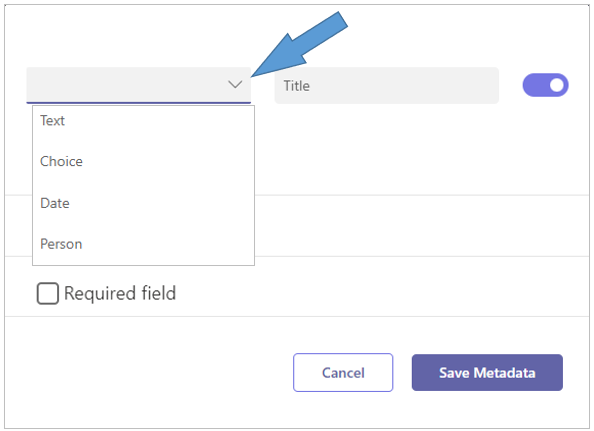
-
Create the various metadata fields with which the workspaces within the category should be characterized.
The available field types are: Text, Choice field, Date and Person. -
Required field - Check this option for a metadata field that must be filled upon creation of the workspace.
-
Click Save Metadata.
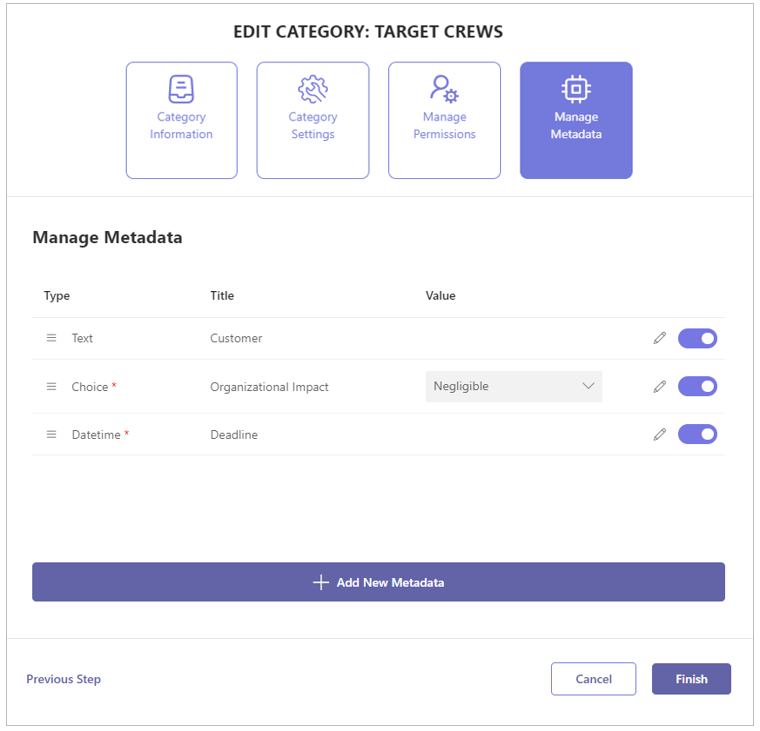
The configured metadata are displayed within the list of the category’s metadata.
-
Click Finish.